About Payroll Software in Supa
Payroll Software in Supa from UdyamS gives companies running monthly payroll one place to run the business. In short, it calculates salaries from attendance with PF, ESI, PT, TDS, overtime, advances and loans, and produces payslips and statutory reports, and it is set up for teams in Shirur (nearby), Ranjangaon MIDC (nearby) and the rest of Supa.
Ask a Supa owner what goes wrong without proper software and you will hear things like: statutory deductions go wrong, payslips are not shared, advances and loans are forgotten. Payroll Software replaces guesswork here with arrears & increments and payslips & form 16.
Whether the need is attendance software in Supa or a fully custom system, we keep the software practical: start with the modules that solve today's problems, add more later, and keep everything GST-ready. If you are comparing options for hr software in Supa, call +91 9119431984 and we will show a live demo.
Full product details: Payroll Software features and modules · More software for this city: ERP and business software in Supa
Key Features of Payroll Software in Supa
Arrears & Increments
Back-dated changes calculated automatically.
Payslips & Form 16
Digital payslips and annual tax forms. For units near Ranjangaon MIDC (nearby), this is often the most-used screen.
Bank Transfer Files
Salary files in bank formats.
PF, ESI, PT & TDS
Statutory calculations and challan reports. We set this up during the Supa go-live, not as an extra.
Contract Labour Payroll
Contractor-wise worker wages and compliance.
Also available when you need them: attendance-linked salary, advances & loans and overtime rules. See every Payroll Software module.
How Payroll Software Fits Businesses in Supa
Supa MIDC units employ permanent staff and contract workers from nearby villages, often across shifts. Supa employers use digital payslips to reduce routine questions from staff.
Our Ahilyanagar office is a short drive from Supa, so in-person visits for setup, training and reviews of Payroll Software are routine for us. Whether your unit is in Shirur (nearby), Supa MIDC or elsewhere in Supa, the Payroll Software setup is the same, and branches in towns like Loni and Shevgaon can be added later.
Supa MIDC on the Ahilyanagar–Pune highway hosts engineering, auto-component and food processing units, many supplying customers in the Pune belt. Rolling out in stages works best here: arrears & increments first, payslips & form 16 next, and the remaining modules when your Supa team asks for them.
Implementing Payroll Software in Supa
Process study
We sit with your team in Supa or online to map how work moves today, which reports you rely on and where time or money is lost.
Scoping demo
We show the modules that matter first and agree a clear scope, timeline and quote for your Supa setup.
Setup and data migration
We configure Payroll Software for your process and import opening balances, items, parties and history from Excel or your old software.
Role-wise training
Operators, supervisors, accounts staff and owners in Supa are trained on the Payroll Software screens they use, in Marathi, Hindi or English.
After-sales support
Questions from Supa users are answered over phone and WhatsApp, and changes or new Payroll Software modules are added when you need them.
You can choose cloud hosting or on-premise installation. Either way, Payroll Software supports GST-compliant documents, WhatsApp and SMS notifications, data backups and user-level permissions, and can export data to Tally for your accountant. We help Supa clients choose between the two during the Payroll Software demo.
What to Check Before Buying Payroll Software in Supa
- Ask to see Payroll Software working with your own sample data, not only a generic demo.
- Find out whether the vendor can visit Supa when needed, and how quickly phone or WhatsApp queries are answered.
- Start with the two or three modules that hurt most today, such as arrears & increments and payslips & form 16, instead of buying everything at once.
- Ask how the system will handle growth, for example a new branch in Loni or more users at Shirur (nearby).
Common Challenges for Companies Running Monthly Payroll in Supa
Statutory deductions go wrong
PF, ESI and PT rules are applied manually and errors cause penalties. In Supa, it usually shows up during peak season.
Payslips are not shared
Employees ask for payslips and Form 16.
Advances and loans are forgotten
Salary advances are deducted inconsistently. Several Supa clients told us this before switching.
Contract labour payroll is separate
Contractor workers are paid outside the main payroll.
From First Entry to Final Report in Supa
For companies running monthly payroll around Ranjangaon MIDC (nearby), the daily flow in Payroll Software usually runs as follows:
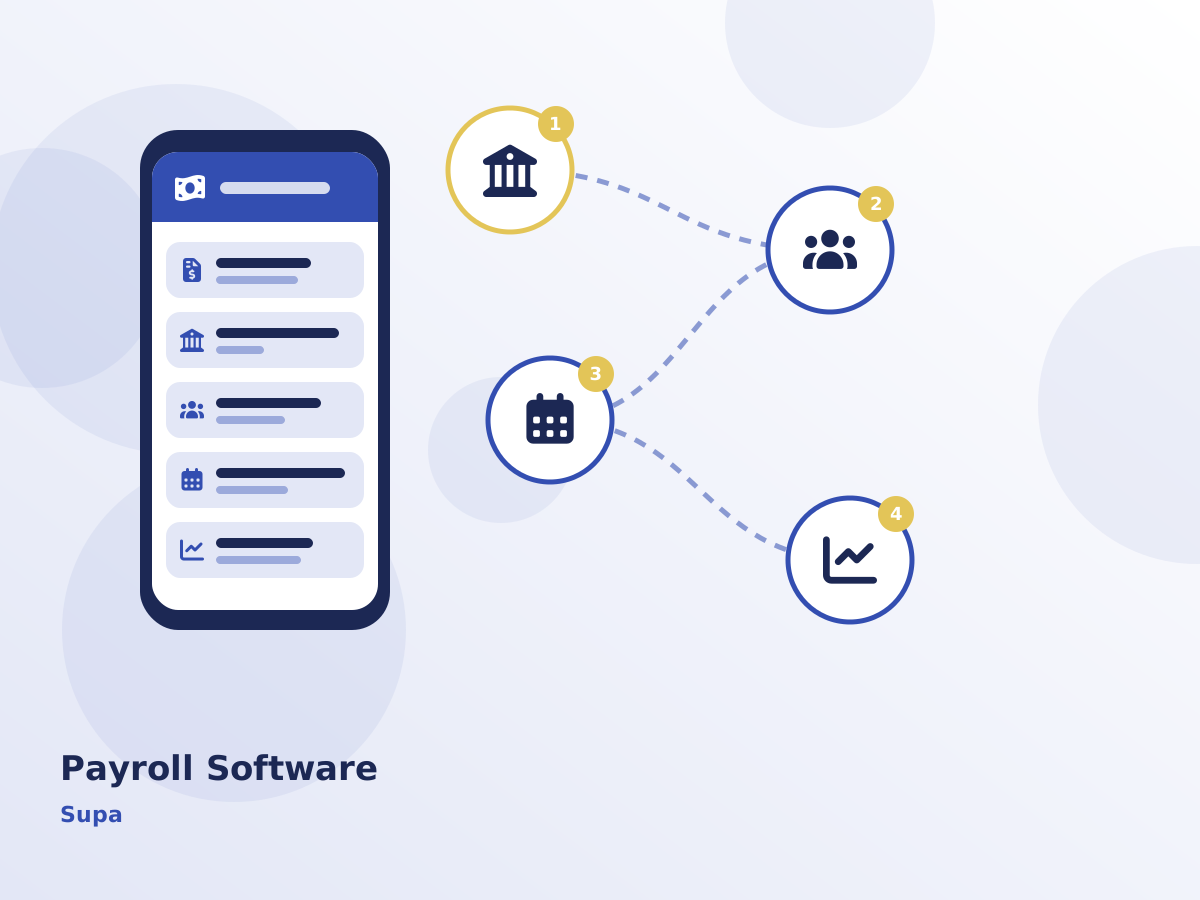
- Attendance and leave are finalised for the month.
- Payroll is processed with statutory deductions.
- Payslips are shared with employees digitally.
- Statutory challans and reports are prepared.
Serving Supa and Nearby Areas
Serving Supa businesses online and with on-site visits on request. View all solutions available in Supa.