About Attendance Management Software in Supa
If you run an organisation, Attendance Management Software in Supa from UdyamS captures attendance from biometric, face-recognition and mobile GPS check-ins, applies shift rules and feeds payroll automatically. We set it up for the way companies and institutions tracking attendance around Parner and Ahilyanagar–Pune highway actually work, instead of forcing a fixed template on your team.
Most companies and institutions tracking attendance we speak to in Supa describe a familiar picture: late coming is not tracked; multiple locations, multiple devices; leave and attendance do not match. The software tackles these through multi-location devices and shift & roster management, so the change shows up in daily work and not only in month-end reports.
Many Supa businesses reach us while looking for attendance software in Supa. What they get is a working system configured for their own formats, with training for each role and support afterwards. For a demo, call +91 9119431984 or send a WhatsApp message.
Full product details: Attendance Management Software features and modules · More software for this city: ERP and business software in Supa
How Attendance Management Software Fits Businesses in Supa
Supa MIDC units employ permanent staff and contract workers from nearby villages, often across shifts. Supa employers use late and early reports to address punctuality with facts.
As Supa falls in our home district, we can schedule on-site sessions for the Attendance Management software whenever your staff needs them. For the Attendance Management software, we work with companies and institutions tracking attendance across Supa, from Parner and Ahilyanagar–Pune highway to Shirur (nearby), and also support nearby places such as Sangamner and Pune.
Supa MIDC on the Ahilyanagar–Pune highway hosts engineering, auto-component and food processing units, many supplying customers in the Pune belt. We usually advise Supa owners to go live with multi-location devices and shift & roster management within the first weeks, because that is where the quickest results show.
Daily Workflow for Supa Teams
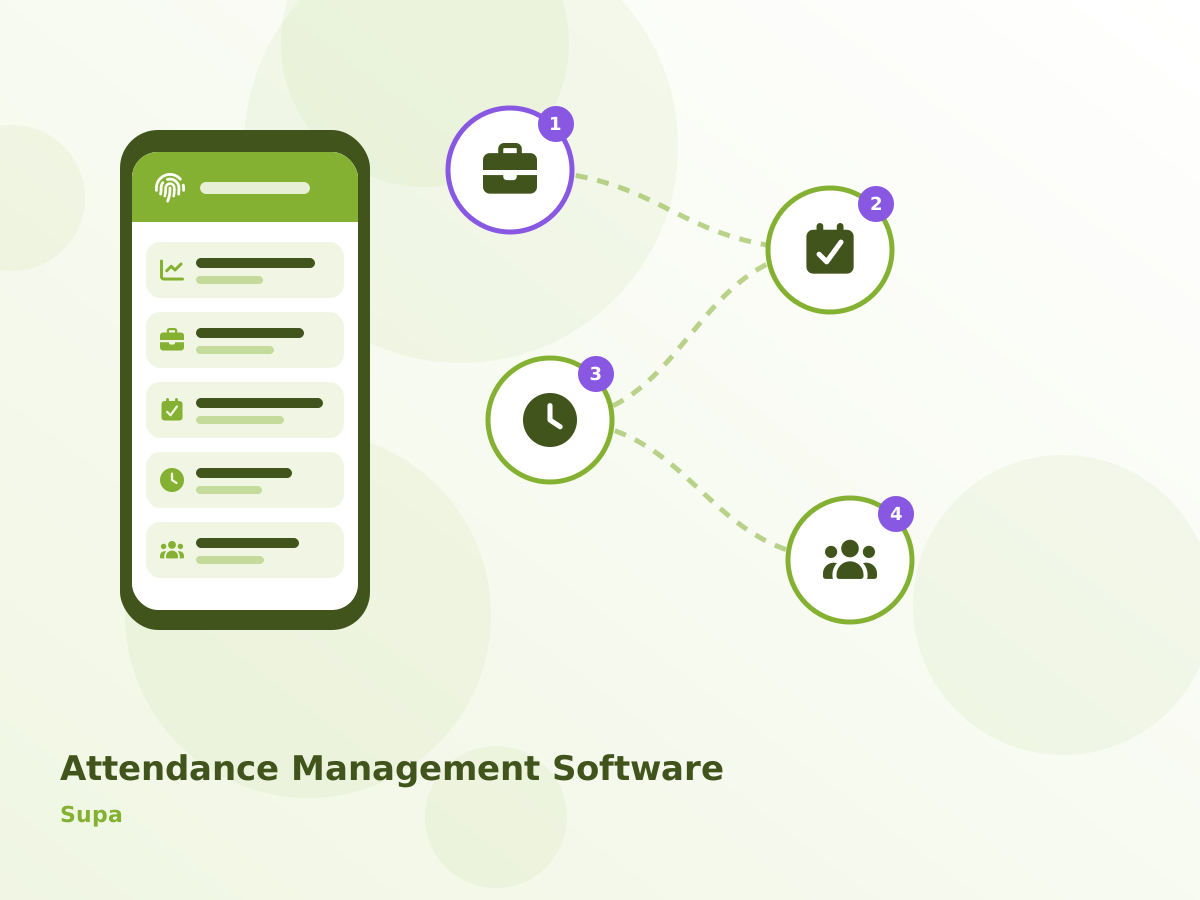
How work moves through the Attendance Management software at a Supa organisation, step by step:
- Employees punch in on biometric devices or the mobile app.
- Shift rules calculate late, early and overtime.
- Missed punches are regularised with manager approval.
- Leave and attendance are reconciled automatically.
What Slows Down Companies and Institutions Tracking Attendance in Supa
Late coming is not tracked
Late arrivals and early exits are not analysed. Units in Parner raise this in almost every first meeting.
Multiple locations, multiple devices
Devices at different sites are not centrally managed.
Leave and attendance do not match
Leave records and punches are maintained separately. We hear this often from companies and institutions tracking attendance around Shirur (nearby).
Shift rules are complex
Night shifts, rotations and grace periods are hard to apply correctly.
Implementing Attendance Management Software in Supa
Understanding your workflow
Before any setup, we document your process, approvals and reports, including anything specific to companies and institutions tracking attendance in Supa.
Live walkthrough
A live the Attendance Management software demo shows each screen your Supa staff will use, from entry to the reports the owner reviews.
Configuration and custom changes
Masters, workflows, print formats and any custom the Attendance Management software modules are configured, and old data is migrated and checked.
Hands-on training
Staff practise on a test copy with your own data before switching over, so day one in Supa is calm.
Ongoing support
the Attendance Management software support continues over phone, WhatsApp and remote sessions, with upgrades and new reports as your Supa business grows.
On the technical side, the Attendance Management software runs in a web browser and on Android, can be hosted on the cloud or your own server, and connects with Tally, GST e-invoice, WhatsApp, SMS and payment gateways where your process needs them. Hosting choice for Supa is confirmed in the written scope, before any setup begins.
Buyer's Checklist for Supa
- Confirm who will train your Supa staff, in which language, and how long handholding continues after go-live.
- Find out whether the vendor can visit Supa when needed, and how quickly phone or WhatsApp queries are answered.
- Check that supervisors and staff can make the Attendance Management software entries from a mobile phone if they work away from a desk.
- Ask for role-based access in the Attendance Management software so that staff see only what they need, while the owner sees everything.
Main Modules of Attendance Management Software
Multi-location Devices
Devices across sites managed centrally.
Shift & Roster Management
Shifts, rotations, grace and overtime rules. For units near Ahilyanagar–Pune highway, this is often the most-used screen.
Manager Approvals
Regularisation requests approved online.
Biometric & Face Device Integration
Pull punches from supported devices automatically. Supa clients usually switch this on in the first phase.
Payroll Feed
Attendance data flows directly into payroll.
Further modules include mobile GPS check-in, late & early reports and leave integration. See every Attendance Management Software module.
Attendance Management Software in Supa: Frequently Asked Questions
Localities Covered in Supa
Serving Supa businesses online and with on-site visits on request. View all solutions available in Supa.