About Auto Components ERP in Supa
UdyamS Auto Components ERP in Supa handles OEM schedules, ASN, lot traceability, PPAP documents, rejection tracking and job-work for tier-1, tier-2 and tier-3 suppliers. It is meant for auto component suppliers in Parner, Ahilyanagar–Pune highway and other parts of Supa that have outgrown registers, Excel sheets and disconnected billing tools.
Most auto component suppliers we speak to in Supa describe a familiar picture: traceability requests take hours; customer rejection debit notes pile up; packaging rules vary by customer. The software tackles these through customer rejection tracking and ASN & dispatch, so the change shows up in daily work and not only in month-end reports.
Whether the need is erp software development company in Supa or a fully custom system, we keep the software practical: start with the modules that solve today's problems, add more later, and keep everything GST-ready. If you are comparing options for manufacturing erp software in Supa, call +91 9119431984 and we will show a live demo.
Full product details: Auto Components ERP features and modules · More software for this city: ERP and business software in Supa
Why Supa Businesses Choose Auto Components ERP
Auto-component suppliers in Supa MIDC ship to customers in Ranjangaon, Chakan and Pune on fixed schedules. Suppliers in Parner and Ahilyanagar–Pune highway that deliver to vehicle plants on daily schedules use the schedule view to spot shortages days in advance.
Since UdyamS works out of Ahilyanagar, Supa is close enough for regular on-site visits during the Auto Components ERP rollout, with phone and WhatsApp support afterwards. For Auto Components ERP, we work with auto component suppliers across Supa, from Parner and Ahilyanagar–Pune highway to Shirur (nearby), and also support nearby places such as Sangamner and Shevgaon.
Supa MIDC on the Ahilyanagar–Pune highway hosts engineering, auto-component and food processing units, many supplying customers in the Pune belt. For most Supa clients the first phase covers customer rejection tracking and ASN & dispatch; the rest of Auto Components ERP follows once the basics run smoothly.
What Slows Down Auto Component Suppliers in Supa
Traceability requests take hours
When a customer reports a defect, finding the raw material lot and shift involved takes far too long.
Customer rejection debit notes pile up
Debit notes for line rejection are accepted without analysis or recovery from vendors. It gets worse as auto component suppliers near Ahilyanagar–Pune highway add branches or staff.
Packaging rules vary by customer
Each OEM has its own bin, label and packing standards that are easy to get wrong.
OEM schedules change every week
Customer schedules are revised often, and planning in Excel cannot keep up with the changes. We hear this often from auto component suppliers around Shirur (nearby).
Main Modules of Auto Components ERP
Customer Rejection Tracking
Record line rejections and debit notes with root cause and vendor recovery. Owners in Shirur (nearby) check this on mobile every day.
ASN & Dispatch
Advance shipping notices, customer-specific labels and invoice with e-way bill.
PPAP & Control Plans
Store PPAP documents and control plans part-wise with revision history.
Job-Work Management
Process-wise challans for plating, heat treatment and machining with pending stock. For units near Ahilyanagar–Pune highway, this is often the most-used screen.
Schedule & Release Management
Import customer schedules and compare them with stock, WIP and dispatches.
Also available when you need them: lot traceability, in-process inspection and supplier rating. See every Auto Components ERP module.
Daily Workflow for Supa Teams
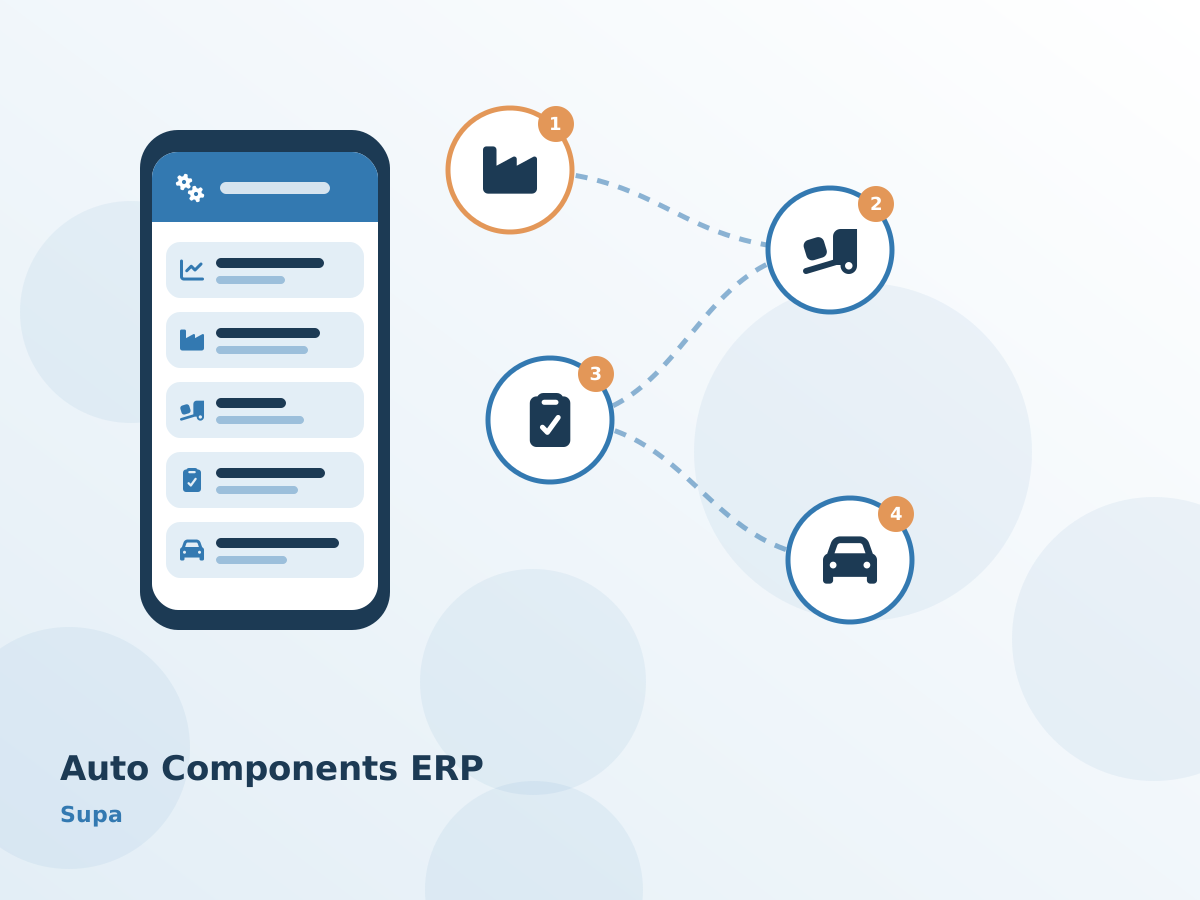
How work moves through Auto Components ERP at a Supa auto component plant, step by step:
- Raw material lots are issued and carried through each operation.
- Parts go out for plating or heat treatment on job-work challans and return to inspection.
- Packing follows customer-specific bin and label rules before ASN and invoice.
- Line rejections are logged with debit notes, root cause and corrective action.
Our Implementation Approach in Supa
Process study
We sit with your team in Supa or online to map how work moves today, which reports you rely on and where time or money is lost.
Demo with your data
You see Auto Components ERP running with your own items, parties and formats, which makes decisions faster and avoids surprises later.
Configuration and custom changes
Masters, workflows, print formats and any custom Auto Components ERP modules are configured, and old data is migrated and checked.
Training and go-live
We train each Supa role separately and stay closely involved during the first weeks after Auto Components ERP goes live.
After-sales support
Questions from Supa users are answered over phone and WhatsApp, and changes or new Auto Components ERP modules are added when you need them.
Most Supa clients pick cloud hosting so the owner can see reports on mobile; others prefer a local server. Both options include GST-ready documents, alerts on WhatsApp and SMS, user permissions and automatic backups. Either way, Auto Components ERP data for your Supa business is backed up automatically.
Before You Decide: Auto Components ERP in Supa
- Start with the two or three modules that hurt most today, such as customer rejection tracking and ASN & dispatch, instead of buying everything at once.
- Agree a written scope, timeline and quote for Supa before work begins, including migration of your current records.
- Check that supervisors and staff can make Auto Components ERP entries from a mobile phone if they work away from a desk.
- Ask for role-based access in Auto Components ERP so that staff see only what they need, while the owner sees everything.
Auto Components ERP Across Supa
Serving Supa businesses online and with on-site visits on request. View all solutions available in Supa.