About POS Billing Software in Bangalore
POS Billing Software in Bangalore is for shops and counters that need fast billing who want one dependable system in place of registers, spreadsheets and separate billing software. Our POS Billing Software gives shops a fast GST-ready billing counter with barcode scanning, UPI, stock, customer credit and daily cash reports, configured for units in Bommasandra, Jigani and nearby.
Typical reasons shops and counters that need fast billing in Bangalore move to POS Billing Software: owners are not on site; stock is updated late; queues build up at the counter. With customer credit and price & offer management in place, these problems become visible and fixable.
People searching for pos software in Bangalore or billing software in Bangalore usually want two things: software that fits their process and a team that stays reachable after go-live. UdyamS offers cloud or on-premise deployment, data migration from Excel or old software, role-wise training and support on phone and WhatsApp. Call +91 9119431984 to book a free demo.
Full product details: POS Billing Software features and modules · More software for this city: ERP and business software in Bangalore
How POS Billing Software Fits Businesses in Bangalore
Retail in Bangalore ranges from traditional markets in Chickpet and KR Market to supermarket chains and specialty stores across the city. For shops and counters that need fast billing in Bangalore, day-end reconciliation of cash and UPI removes the closing-time guesswork.
Most POS Billing Software work for Bangalore businesses is done remotely, from the process study to training, and our team visits Bangalore on request when a project needs it. Whether your unit is in Bommasandra, Yeshwanthpur or elsewhere in Bangalore, the POS Billing Software setup is the same, and branches in towns like Hyderabad and Ratnagiri can be added later.
Bangalore's restaurants, pubs, hotels and cloud kitchens serve a large working population and business visitors. Phase one in Bangalore is normally customer credit plus price & offer management; reports and the remaining modules are added once data entry has become routine.
From First Entry to Final Report in Bangalore
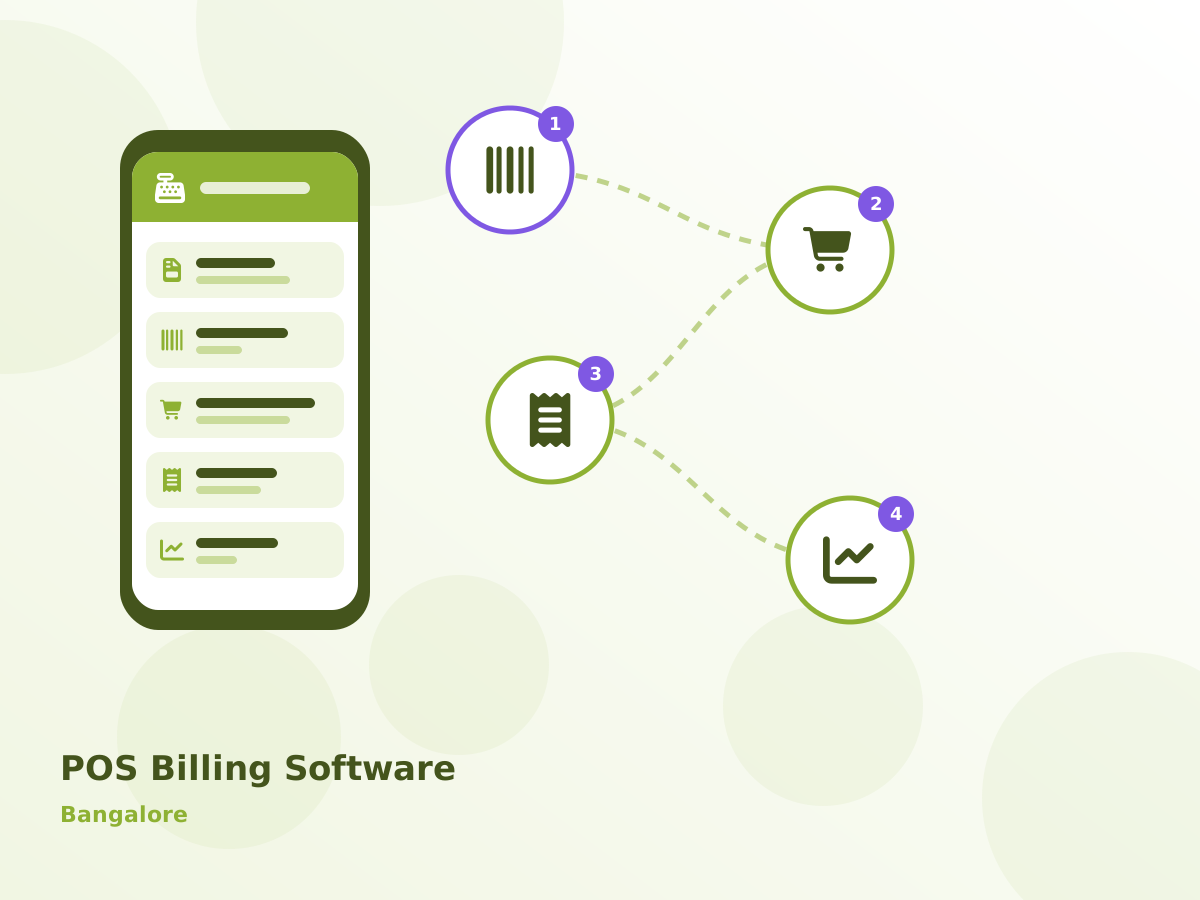
Below is a simplified daily routine for a shop in Bangalore using POS Billing Software:
- Stock reduces automatically and low-stock items are flagged.
- Credit sales are recorded against customer accounts.
- Day-end cash report is matched with the drawer.
- GST reports are exported for the accountant.
What Slows Down Shops and Counters That Need Fast Billing in Bangalore
Owners are not on site
Owners cannot see sales without visiting the shop. Units in Bommasandra raise this in almost every first meeting.
Stock is updated late
Sales are not reduced from stock in real time.
Queues build up at the counter
Manual or slow billing makes customers wait during peak hours. Owners near Jigani mention this frequently.
Cash does not tally at closing
Cash, UPI and card collections are not matched with bills.
Rollout Plan for Bangalore
Requirement study
Our consultant studies your current registers, Excel sheets and formats so that POS Billing Software is configured around real work, not assumptions.
Proof on your process
We run one of your real transactions through POS Billing Software in the demo so your team can judge the fit for themselves.
Setup and data migration
We configure POS Billing Software for your process and import opening balances, items, parties and history from Excel or your old software.
Training and go-live
We train each Bangalore role separately and stay closely involved during the first weeks after POS Billing Software goes live.
Ongoing support
POS Billing Software support continues over phone, WhatsApp and remote sessions, with upgrades and new reports as your Bangalore business grows.
POS Billing Software can run on the cloud, so owners can check reports from anywhere, or on a server at your premises if you prefer to keep data in-house. GST invoicing, e-invoice and e-way bill support, WhatsApp and SMS alerts, Tally export and role-based access are available as needed. Most POS Billing Software users in Bommasandra and Jigani start on the cloud and keep the option to move later.
Buyer's Checklist for Bangalore
- Confirm who will train your Bangalore staff, in which language, and how long handholding continues after go-live.
- Make sure you can export your data to Excel at any time, because your business data should always stay yours.
- Agree a written scope, timeline and quote for Bangalore before work begins, including migration of your current records.
- Ask for role-based access in POS Billing Software so that staff see only what they need, while the owner sees everything.
What POS Billing Software Includes for Bangalore Users
Customer Credit
Udhaar accounts with WhatsApp reminders. It is configured to the formats shops and counters that need fast billing in Bangalore already use.
Price & Offer Management
Update prices and offers centrally.
Mobile Owner View
Sales and stock on the owner's phone.
GST Invoice
Correct tax rates and HSN codes on every bill. We set this up during the Bangalore go-live, not as an extra.
Real-time Stock
Stock reduces with every bill and low-stock alerts appear.
Other modules you can add later: barcode & quick keys, multiple payment modes and day-end cash report. See every POS Billing Software module.
Your Questions About POS Billing Software in Bangalore
POS Billing Software Across Bangalore
Serving Bangalore businesses online and with on-site visits on request. View all solutions available in Bangalore.