About POS Billing Software in Satara
Looking for POS Billing Software in Satara? The UdyamS solution gives shops a fast GST-ready billing counter with barcode scanning, UPI, stock, customer credit and daily cash reports. We work with shops and counters that need fast billing across Satara, including Mahabaleshwar and Panchgani, online and with on-site visits on request.
Typical reasons shops and counters that need fast billing in Satara move to POS Billing Software: stock is updated late; credit customers are tracked in notebooks; queues build up at the counter. With day-end cash report and GST invoice in place, these problems become visible and fixable.
Many Satara businesses reach us while looking for pos software in Satara. What they get is a working system configured for their own formats, with training for each role and support afterwards. For a demo, call +91 9119431984 or send a WhatsApp message.
Full product details: POS Billing Software features and modules · More software for this city: ERP and business software in Satara
Local Context: POS Billing Software in Satara
Satara's traders serve the city and towns such as Karad, Wai and Phaltan. Shops in Mahabaleshwar and Panchgani that get evening and weekend rush use quick-key billing to keep queues short.
Our team travels to Satara from Ahilyanagar for key POS Billing Software milestones such as the process study and go-live, and handles day-to-day support online. POS Billing Software clients in Satara MIDC, Mahabaleshwar and other parts of Satara use the same system, and multi-location setups that include Pune or Supa are supported.
Mahabaleshwar and Panchgani are among Maharashtra's most popular hill stations, with many hotels, resorts and homestays. Rolling out in stages works best here: day-end cash report first, GST invoice next, and the remaining modules when your Satara team asks for them.
A Typical POS Billing Software Workflow in Satara
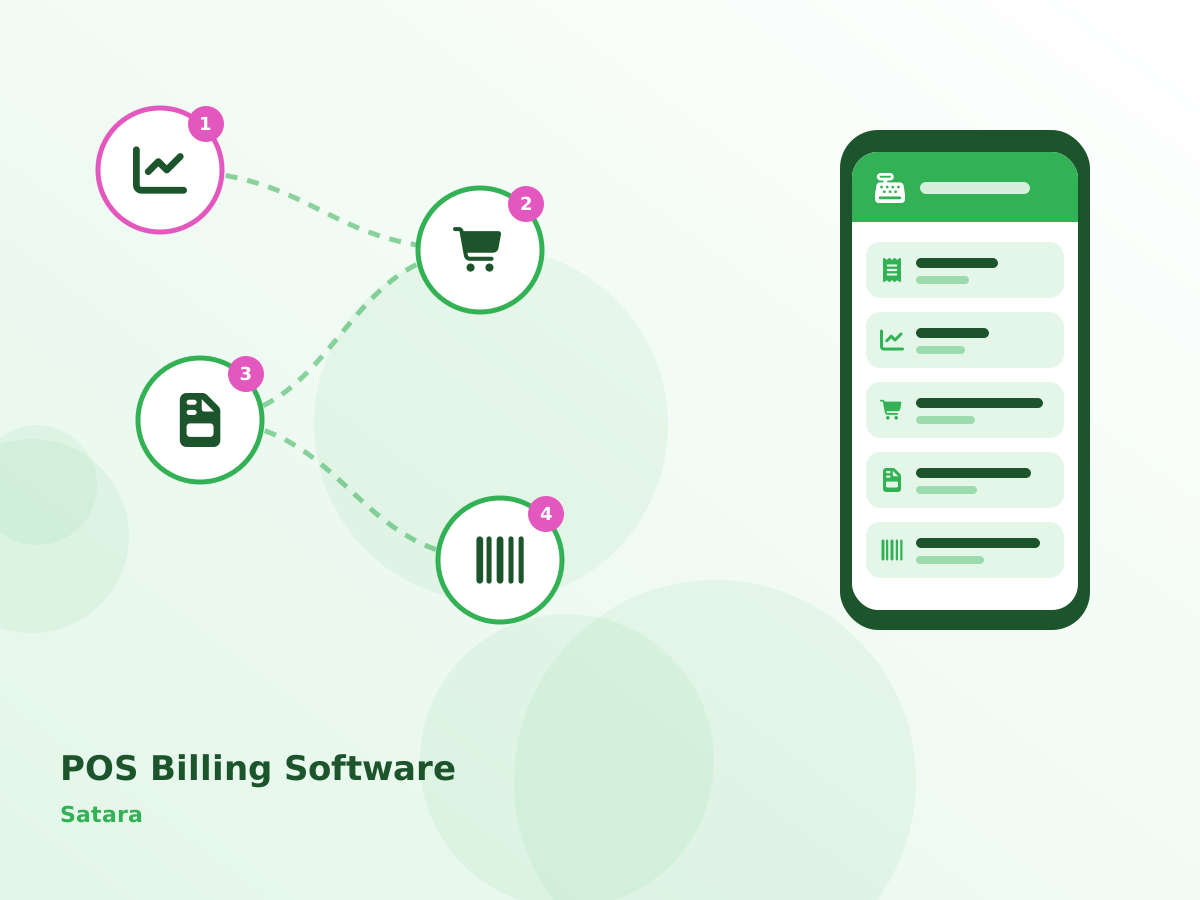
Here is how a typical shop in Mahabaleshwar uses POS Billing Software through the day:
- Payment is taken by cash, UPI or card.
- Stock reduces automatically and low-stock items are flagged.
- Credit sales are recorded against customer accounts.
- Day-end cash report is matched with the drawer.
Day-to-Day Issues POS Billing Software Fixes in Satara
Stock is updated late
Sales are not reduced from stock in real time.
Credit customers are tracked in notebooks
Udhaar is written in books and often forgotten. Several Satara clients told us this before switching.
Queues build up at the counter
Manual or slow billing makes customers wait during peak hours.
Price changes are hard to manage
New MRPs and offers are not updated everywhere. In Satara, it usually shows up during peak season.
From Study to Go-Live in Satara
Understanding your workflow
Before any setup, we document your process, approvals and reports, including anything specific to shops and counters that need fast billing in Satara.
Demo with your data
You see POS Billing Software running with your own items, parties and formats, which makes decisions faster and avoids surprises later.
Build and migrate
Custom screens or reports specific to your Satara operation are built, and existing data is cleaned and imported.
Training and go-live
We train each Satara role separately and stay closely involved during the first weeks after POS Billing Software goes live.
Ongoing support
POS Billing Software support continues over phone, WhatsApp and remote sessions, with upgrades and new reports as your Satara business grows.
Deployment is flexible: cloud for multi-location access, or on-premise for full control. Standard features include GST-ready billing, e-invoice and e-way bill where applicable, WhatsApp and SMS alerts, audit trails and daily backups. Either way, POS Billing Software data for your Satara business is backed up automatically.
What to Check Before Buying POS Billing Software in Satara
- Ask to see POS Billing Software working with your own sample data, not only a generic demo.
- Check that GST invoices, e-way bills and the reports your accountant needs come out of POS Billing Software without retyping.
- Start with the two or three modules that hurt most today, such as day-end cash report and GST invoice, instead of buying everything at once.
- Ask how the system will handle growth, for example a new branch in Pune or more users at Mahabaleshwar.
Main Modules of POS Billing Software
Day-end Cash Report
Cash, UPI and card collections reconciled.
GST Invoice
Correct tax rates and HSN codes on every bill. Teams around Mahabaleshwar use it from a phone as well as a desktop.
Multiple Payment Modes
Cash, UPI, card and split payments.
Barcode & Quick Keys
Scan or tap items to bill in seconds.
Real-time Stock
Stock reduces with every bill and low-stock alerts appear. For units near Panchgani, this is often the most-used screen.
Other modules you can add later: customer credit, price & offer management and mobile owner view. See every POS Billing Software module.
Questions Satara Clients Ask About POS Billing Software
Where We Work in Satara
Serving Satara businesses online and with on-site visits on request. View all solutions available in Satara.