About Pathology Lab Software in Solapur
UdyamS Pathology Lab Software in Solapur manages patient registration, sample barcodes, machine interfacing, report validation, WhatsApp delivery and referral accounting for pathology labs. It is meant for pathology labs and diagnostic centres in Akkalkot Road MIDC, Chincholi MIDC and other parts of Solapur that have outgrown registers, Excel sheets and disconnected billing tools.
Typical reasons pathology labs and diagnostic centres in Solapur move to Pathology Lab Software: samples get mixed up; home collection is hard to coordinate; manual result entry causes errors. With home collection scheduling and QC & calibration logs in place, these problems become visible and fixable.
Whether you found us by searching for hospital management software in Solapur or clinic management software in Solapur, the approach is the same: we study your current process, show a demo with your own data and then configure only what you need. Call +91 9119431984 for a free demo.
Full product details: Pathology Lab Software features and modules · More software for this city: ERP and business software in Solapur
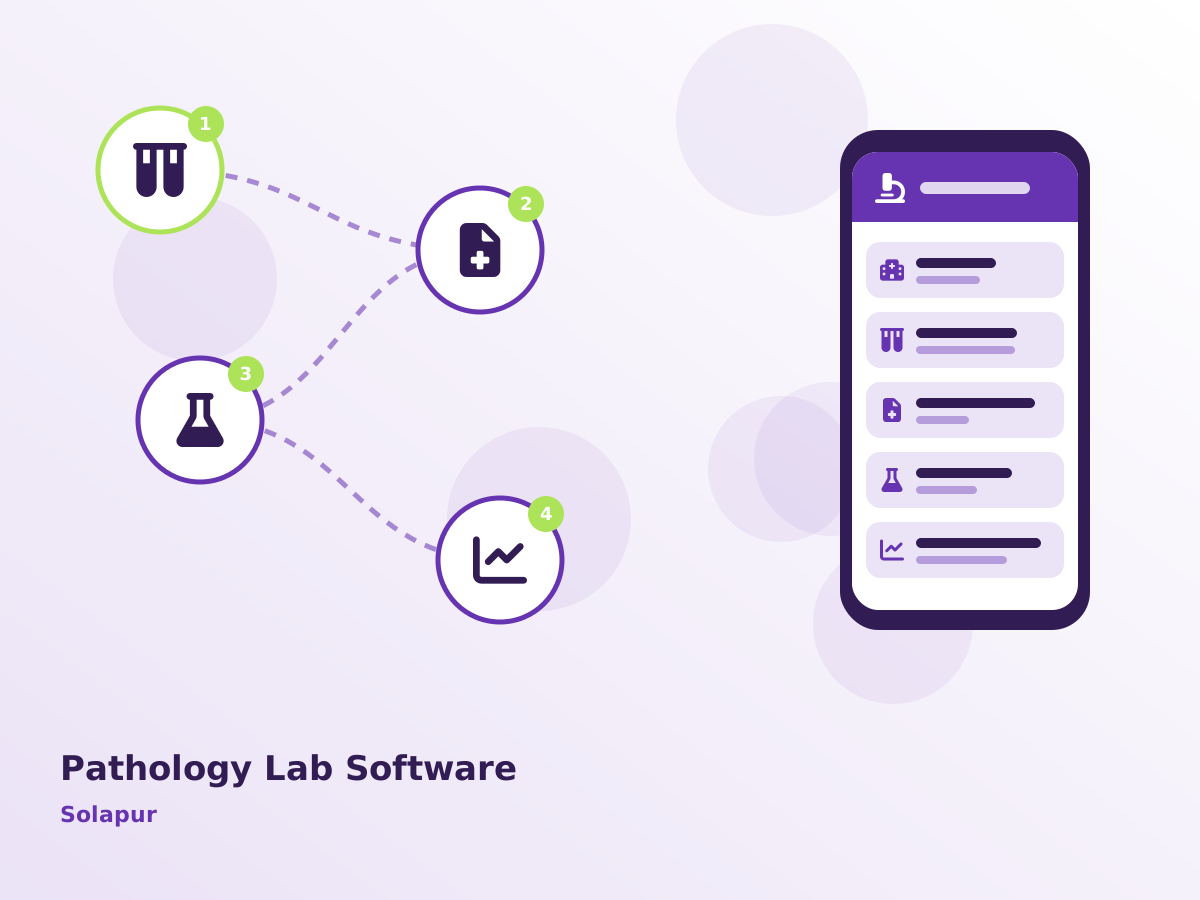
Key Features of Pathology Lab Software in Solapur
Home Collection Scheduling
Assign phlebotomists and track pickups.
QC & Calibration Logs
Record internal quality control and machine calibration. We set this up during the Solapur go-live, not as an extra.
Barcode Sample Tracking
Barcode labels printed at registration and tracked to result.
Machine Interfacing
Results pulled from supported analysers to reduce manual entry. Teams around Akkalkot Road MIDC use it from a phone as well as a desktop.
WhatsApp & Email Reports
Reports sent as PDF the moment they are approved.
Also available when you need them: report validation, referral & B2B accounts and rate lists by party. See every Pathology Lab Software module.
Local Context: Pathology Lab Software in Solapur
Solapur's hospitals and clinics serve patients from the district and from nearby parts of Karnataka. Labs in Akkalkot Road MIDC and Chincholi MIDC that receive samples from collection centres and nearby clinics use barcodes to avoid mix-ups.
From Ahilyanagar we reach Solapur by road, so we combine on-site visits at the start and at go-live with remote support for Pathology Lab Software in between. Pathology Lab Software clients in Hotgi Road, Akkalkot Road MIDC and other parts of Solapur use the same system, and multi-location setups that include Sangli or Shevgaon are supported.
Rolling out in stages works best here: home collection scheduling first, QC & calibration logs next, and the remaining modules when your Solapur team asks for them.
Implementing Pathology Lab Software in Solapur
Understanding your workflow
Before any setup, we document your process, approvals and reports, including anything specific to pathology labs and diagnostic centres in Solapur.
Live walkthrough
A live Pathology Lab Software demo shows each screen your Solapur staff will use, from entry to the reports the owner reviews.
Tailoring the system
Fields, approvals, reports and print formats are adjusted for your Solapur team, and integrations such as Tally or WhatsApp are connected.
Handholding at go-live
Your team gets practical training, printed quick guides and close support while Pathology Lab Software goes live.
Review and improve
A few weeks after go-live we review Pathology Lab Software usage with your Solapur team and fine-tune reports, alerts and access rights.
You can choose cloud hosting or on-premise installation. Either way, Pathology Lab Software supports GST-compliant documents, WhatsApp and SMS notifications, data backups and user-level permissions, and can export data to Tally for your accountant. For pathology labs and diagnostic centres in Solapur, we recommend the option that matches how many locations and users you have.
Before You Decide: Pathology Lab Software in Solapur
- Check that GST invoices, e-way bills and the reports your accountant needs come out of Pathology Lab Software without retyping.
- Find out whether the vendor can visit Solapur when needed, and how quickly phone or WhatsApp queries are answered.
- Start with the two or three modules that hurt most today, such as home collection scheduling and QC & calibration logs, instead of buying everything at once.
- Ask for role-based access in Pathology Lab Software so that staff see only what they need, while the owner sees everything.
Problems Pathology Lab Software Solves in Solapur
Samples get mixed up
Without barcodes, tubes are labelled by hand and confusion is possible. In Solapur, it usually shows up during peak season.
Home collection is hard to coordinate
Phlebotomist visits and sample pickups are arranged on phone calls.
Manual result entry causes errors
Results are copied from analysers into reports by hand, risking mistakes. Several Solapur clients told us this before switching.
Quality records are incomplete
Calibration and quality control data are not stored systematically.
How Pathology Lab Software Works Day to Day in Solapur
For pathology labs and diagnostic centres around Chincholi MIDC, the daily flow in Pathology Lab Software usually runs as follows:
- The patient is registered and barcodes are printed for each sample.
- Samples move to departments and are run on analysers.
- Results flow into the system and abnormal values are highlighted.
- The pathologist validates and signs the report digitally.
Where We Work in Solapur
Serving Solapur businesses online and with on-site visits on request. View all solutions available in Solapur.