About Medical Store Billing Software in Nashik
UdyamS Medical Store Billing Software in Nashik speeds up pharmacy billing with batch and expiry control, substitute search, purchase import, schedule-drug registers and reorder planning. It is meant for medical stores and pharmacies in Dindori, Pimpalgaon Baswant and other parts of Nashik that have outgrown registers, Excel sheets and disconnected billing tools.
Typical reasons medical stores and pharmacies in Nashik move to Medical Store Billing Software: schedule drug registers are manual; purchase entry takes hours; expired stock causes losses. With GST reports and reorder suggestions in place, these problems become visible and fixable.
Whether you found us by searching for billing software in Nashik or gst billing software in Nashik, the approach is the same: we study your current process, show a demo with your own data and then configure only what you need. Call +91 9119431984 for a free demo.
Full product details: Medical Store Billing Software features and modules · More software for this city: ERP and business software in Nashik
How Medical Store Billing Software Fits Businesses in Nashik
Nashik's hospitals and clinics serve the city and patients from talukas such as Sinnar, Niphad, Igatpuri and Dindori. For medical stores and pharmacies in Nashik, near-expiry alerts help return medicines to distributors before they become a loss.
From Ahilyanagar we reach Nashik by road, so we combine on-site visits at the start and at go-live with remote support for the Medical Store Billing software in between. the Medical Store Billing software clients in Lasalgaon, Dindori and other parts of Nashik use the same system, and multi-location setups that include Kopargaon or Supa are supported.
Nashik's traders and distributors serve the city and a wide rural market across the district. We usually advise Nashik owners to go live with GST reports and reorder suggestions within the first weeks, because that is where the quickest results show.
A Typical the Medical Store Billing software Workflow in Nashik
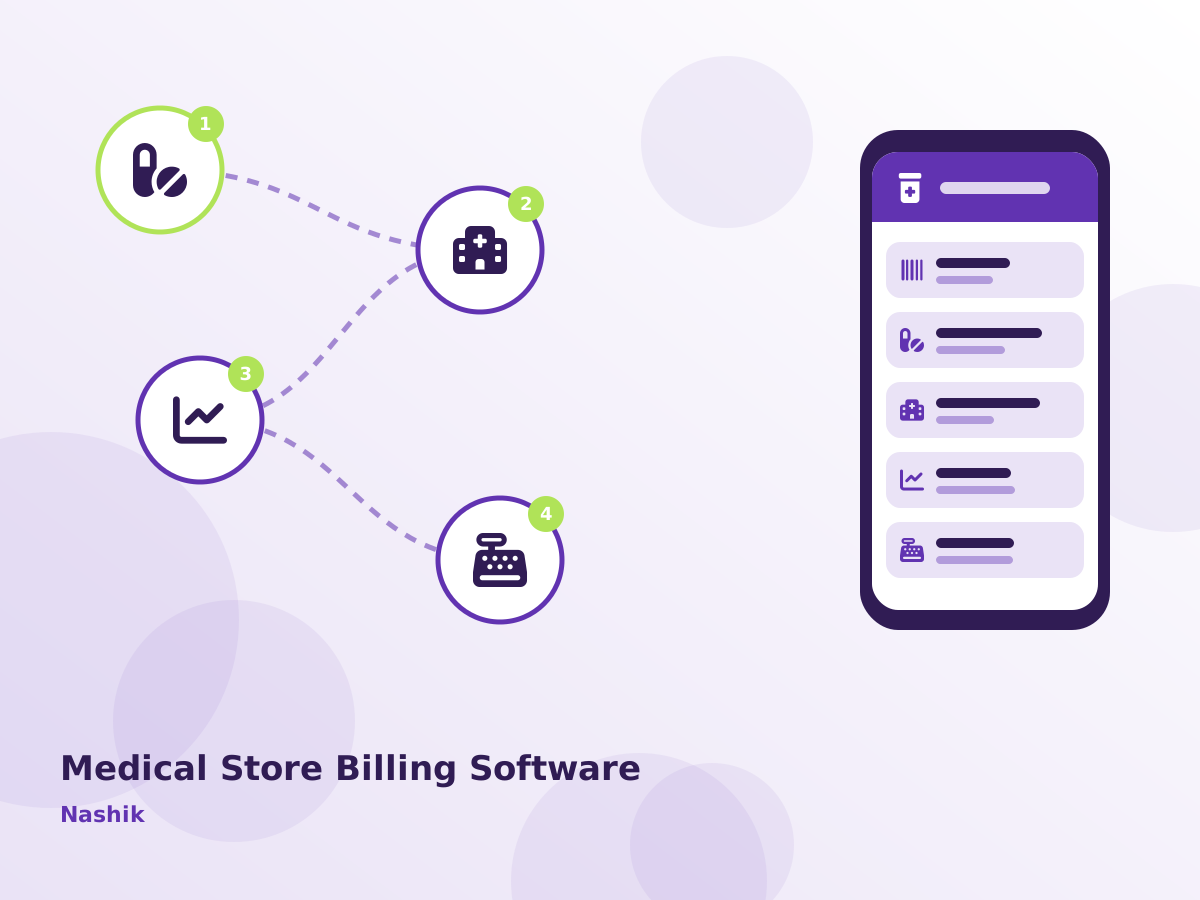
How work moves through the Medical Store Billing software at a Nashik medical store, step by step:
- Distributor bills are entered or imported with batch and expiry details.
- At the counter, medicines are scanned or searched and billed in seconds.
- Near-expiry items are listed for return to distributors.
- Reorder lists are generated from daily sales.
Problems Medical Store Billing Software Solves in Nashik
Schedule drug registers are manual
Schedule H and H1 records are written by hand.
Purchase entry takes hours
Distributor bills are typed line by line with batch and expiry details. Units in Dindori raise this in almost every first meeting.
Expired stock causes losses
Near-expiry medicines are not returned to distributors in time.
Substitutes are hard to find
When a brand is out of stock, staff cannot quickly see alternatives with the same composition. It is a common complaint in Lasalgaon.
Our Implementation Approach in Nashik
Process study
We sit with your team in Nashik or online to map how work moves today, which reports you rely on and where time or money is lost.
Scoping demo
We show the modules that matter first and agree a clear scope, timeline and quote for your Nashik setup.
Build and migrate
Custom screens or reports specific to your Nashik operation are built, and existing data is cleaned and imported.
Hands-on training
Staff practise on a test copy with your own data before switching over, so day one in Nashik is calm.
Review and improve
A few weeks after go-live we review the Medical Store Billing software usage with your Nashik team and fine-tune reports, alerts and access rights.
Most Nashik clients pick cloud hosting so the owner can see reports on mobile; others prefer a local server. Both options include GST-ready documents, alerts on WhatsApp and SMS, user permissions and automatic backups. Hosting choice for Nashik is confirmed in the written scope, before any setup begins.
What to Check Before Buying the Medical Store Billing software in Nashik
- Ask to see the Medical Store Billing software working with your own sample data, not only a generic demo.
- Start with the two or three modules that hurt most today, such as GST reports and reorder suggestions, instead of buying everything at once.
- Agree a written scope, timeline and quote for Nashik before work begins, including migration of your current records.
- Ask for role-based access in the Medical Store Billing software so that staff see only what they need, while the owner sees everything.
Key Features of Medical Store Billing Software in Nashik
GST Reports
GSTR-ready sales and purchase reports.
Reorder Suggestions
Reorder levels based on sales history. For units near Pimpalgaon Baswant, this is often the most-used screen.
Fast Barcode Billing
Quick search by name, salt or barcode with batch auto-selection.
Schedule Drug Register
Automatic Schedule H and H1 register with doctor and patient details.
Substitute Search
Find alternatives by composition and strength. It is configured to the formats medical stores and pharmacies in Nashik already use.
Other modules you can add later: batch & expiry control, purchase bill import and customer credit. See every Medical Store Billing Software module.
Medical Store Billing Software in Nashik: Frequently Asked Questions
Serving Nashik and Nearby Areas
Serving Nashik businesses online and with on-site visits on request. View all solutions available in Nashik.